A connected trading toolkit
Everything in the toolkit
A closer look at the tools for charting, reviewing and practising. Explore each workspace, see it in action and check what is included.
01Chart
02Review
Good to know
Questions, answered
The details behind the tools, your data and getting started.
Visit the help guideWhich markets and instruments does Leaf Edge support?
Stocks, options, futures and forex. Multi-leg option trades keep their structure, and multi-currency executions are normalized so cost basis and P&L reconcile correctly across accounts.
How do my trades get into Leaf Edge?
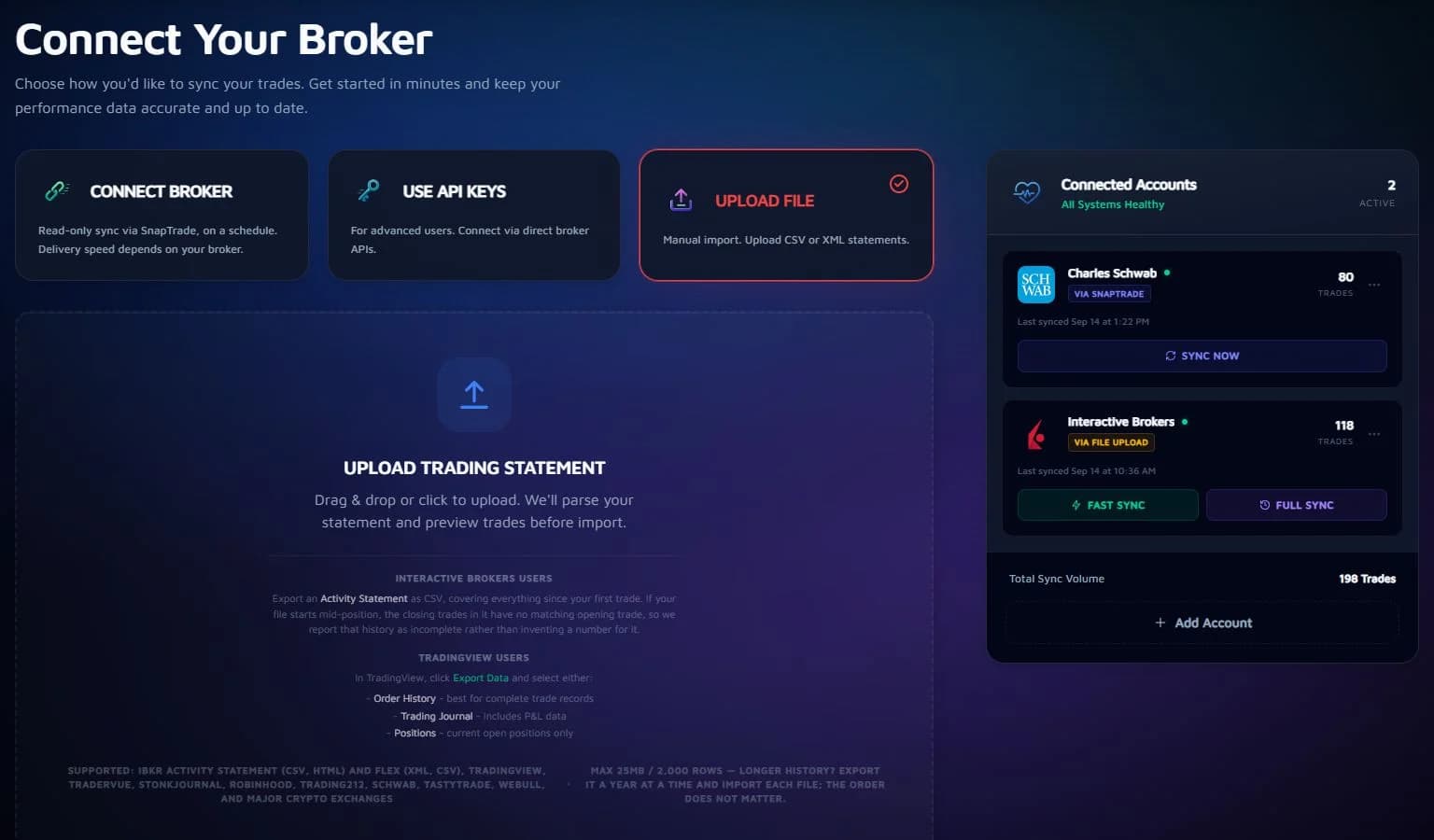
Two ways. You can connect a supported brokerage with read-only access through our partner SnapTrade, or sync Interactive Brokers via IBKR Flex — both on Pro. Or import CSV exports from brokers and journals including IBKR, Schwab, Trading 212, Robinhood, TradingView, Tradervue and StonkJournal — the importer detects the format from the file, so there is nothing to configure.
What makes Leaf Charts different from a normal chart?
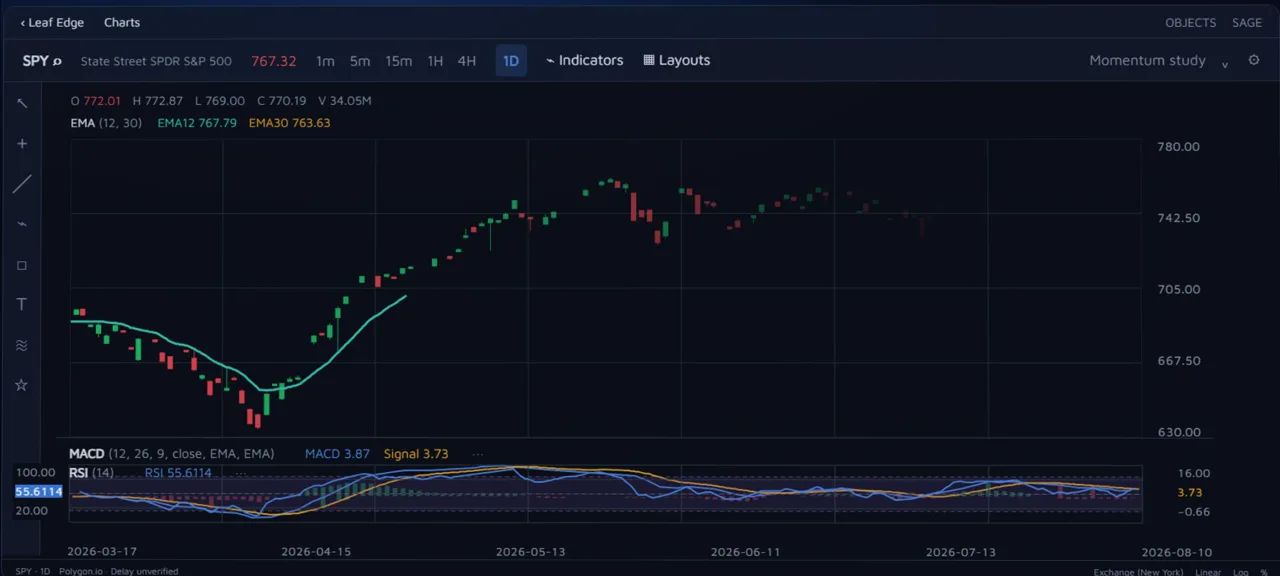
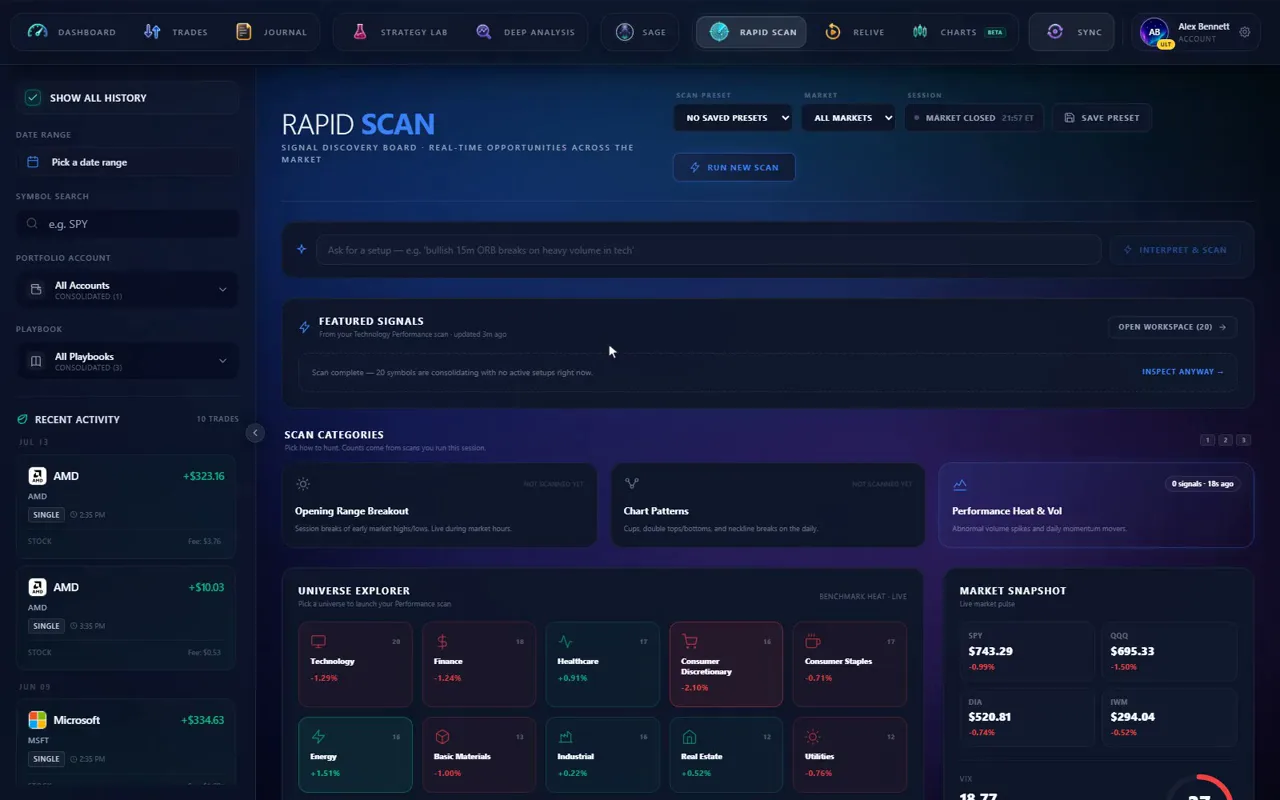
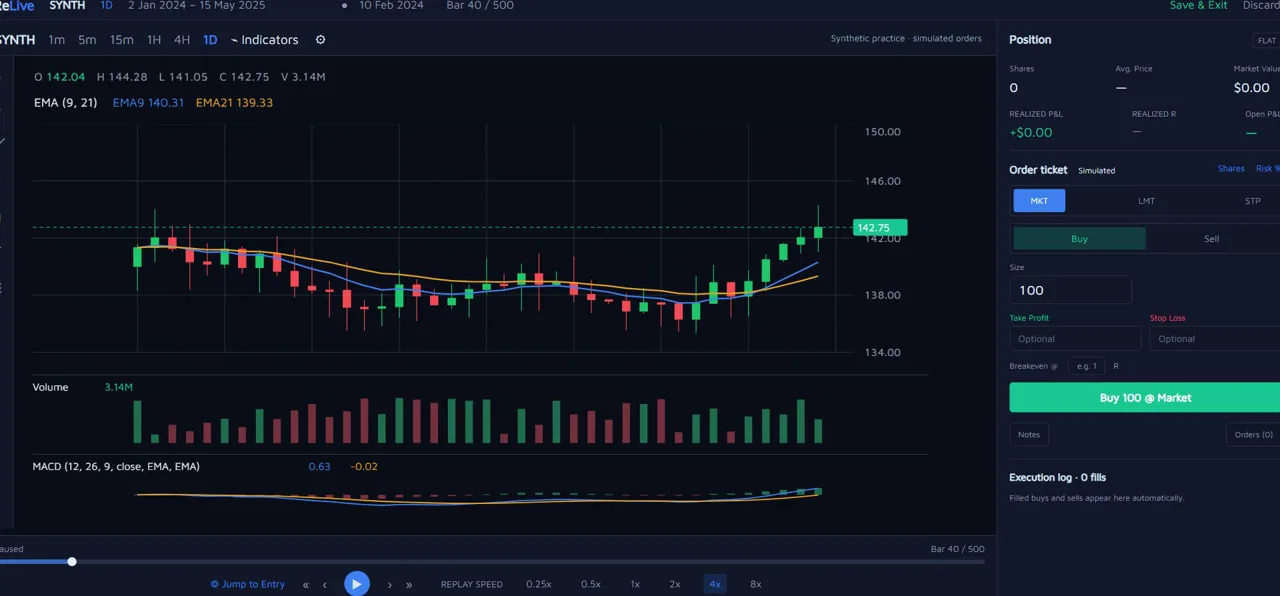
It's our own engine, and it draws your actual entries and exits onto the candles. Those charts render across trade detail and daily review, so you review every trade in the context it actually happened. The fullscreen Charts workspace is available in beta with delayed T+1 US-equity history, and ReLive replays finished sessions on the same data; Rapid Scan is coming soon.
What is Sage, and can I trust what it says?
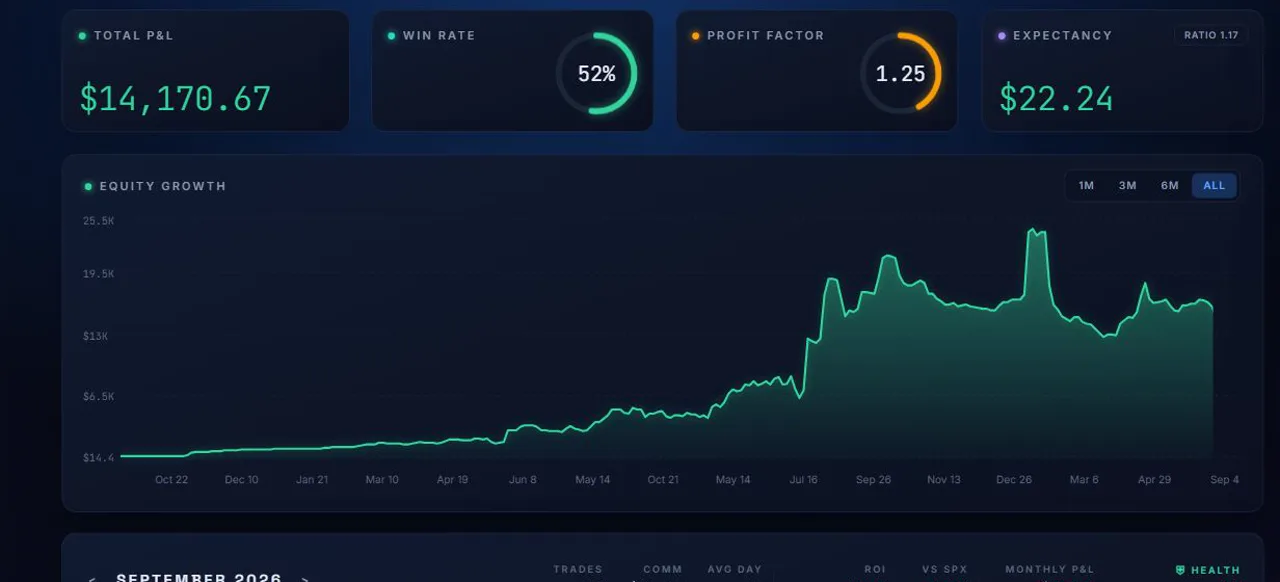
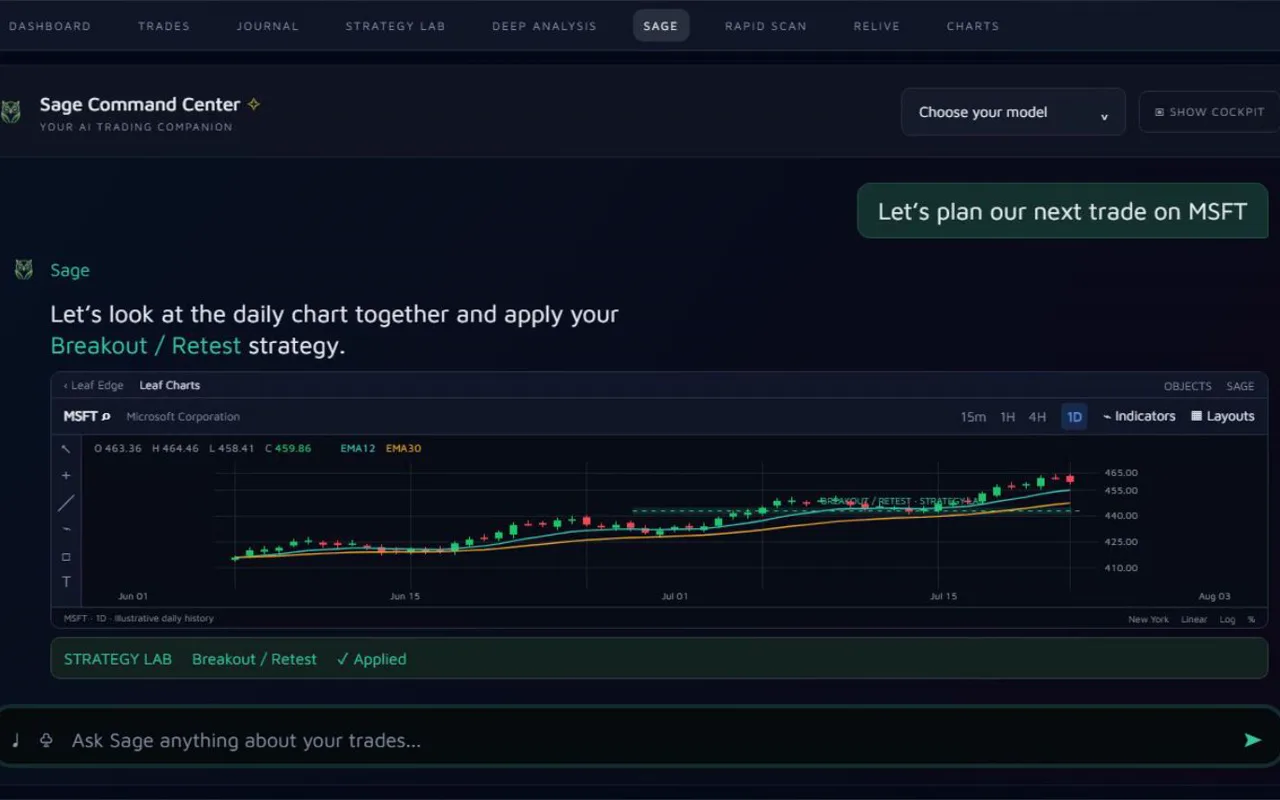
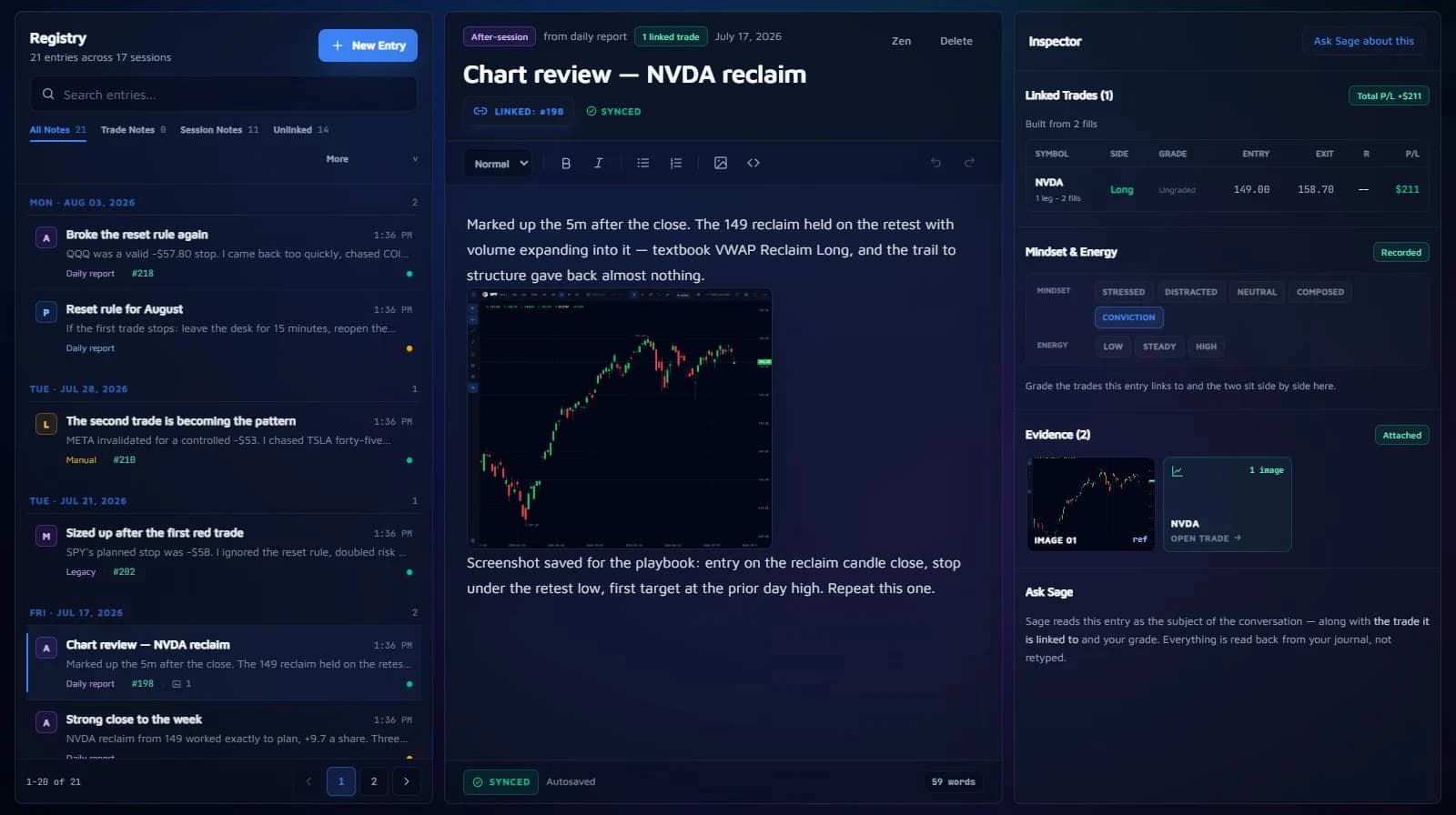
Sage is an AI review coach that reads your journal and trade history. It scores your trade health, asks pointed questions, and uses your own entries as context rather than treating general market commentary as your record. It reads your saved insights and journal every session, so reviews build on each other. AI can still be wrong, so verify important conclusions against your source records.
Do I need a paid plan to get value?
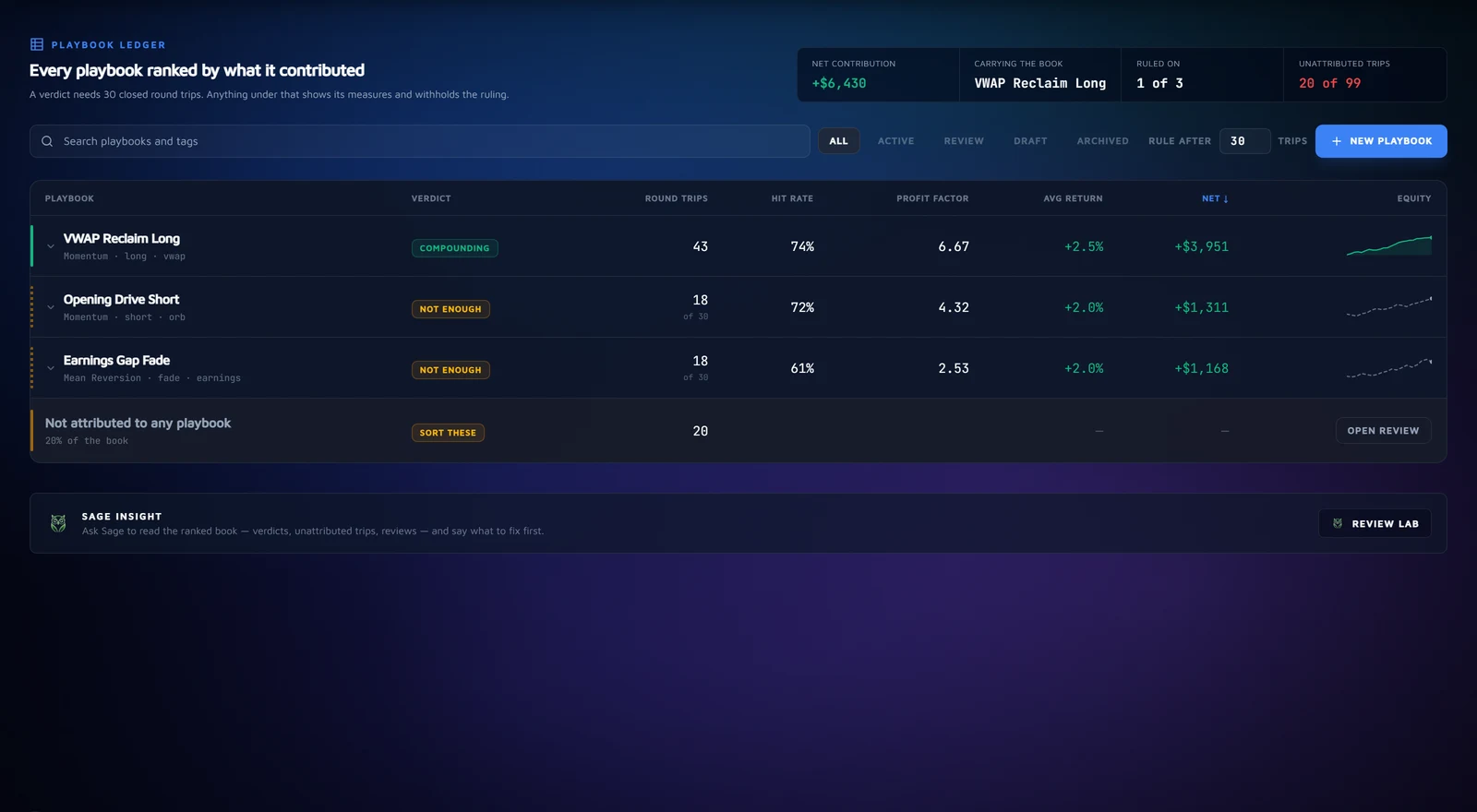
No. The free plan covers manual journaling, file import, the dashboard and Deep Analysis. Pro adds read-only broker sync across five accounts, ReLive session replay, unlimited playbooks and 50 Sage messages a day; Ultimate raises that to unlimited broker accounts, 200 Sage messages a day and a larger daily AI budget. You can start free and upgrade when the workflow earns it.
Make it your workspace
Start with your
own trades.
Import a statement. Open a trade. Bring the chart, your notes and your playbook into the same review.
Free plan · No card needed · CSV import on every plan