A connected trading toolkit
Chart. Review. Practice.
Follow a trade from the chart to your review. Keep the notes, playbooks and practice that help you prepare for the next session in one workspace.
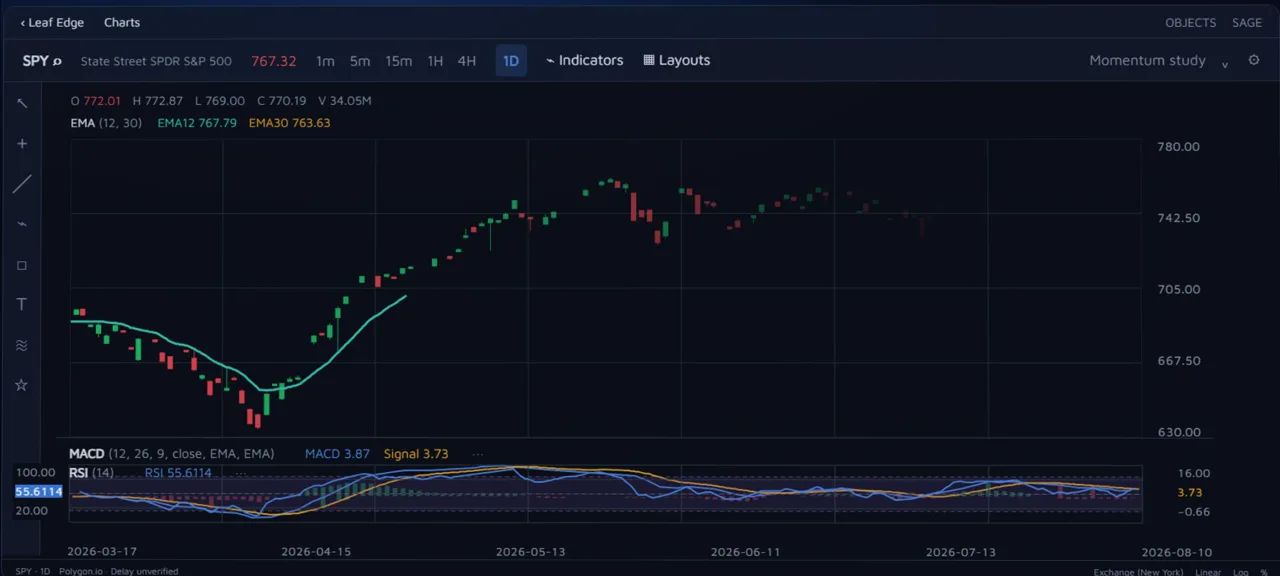
01 / Chart
Put the trade in context.
See your entries and exits alongside the chart. Move from the shape of your overall performance to the detail of one decision.
Fullscreen Charts: beta, delayed T+1 US-equity history.
02 / Review
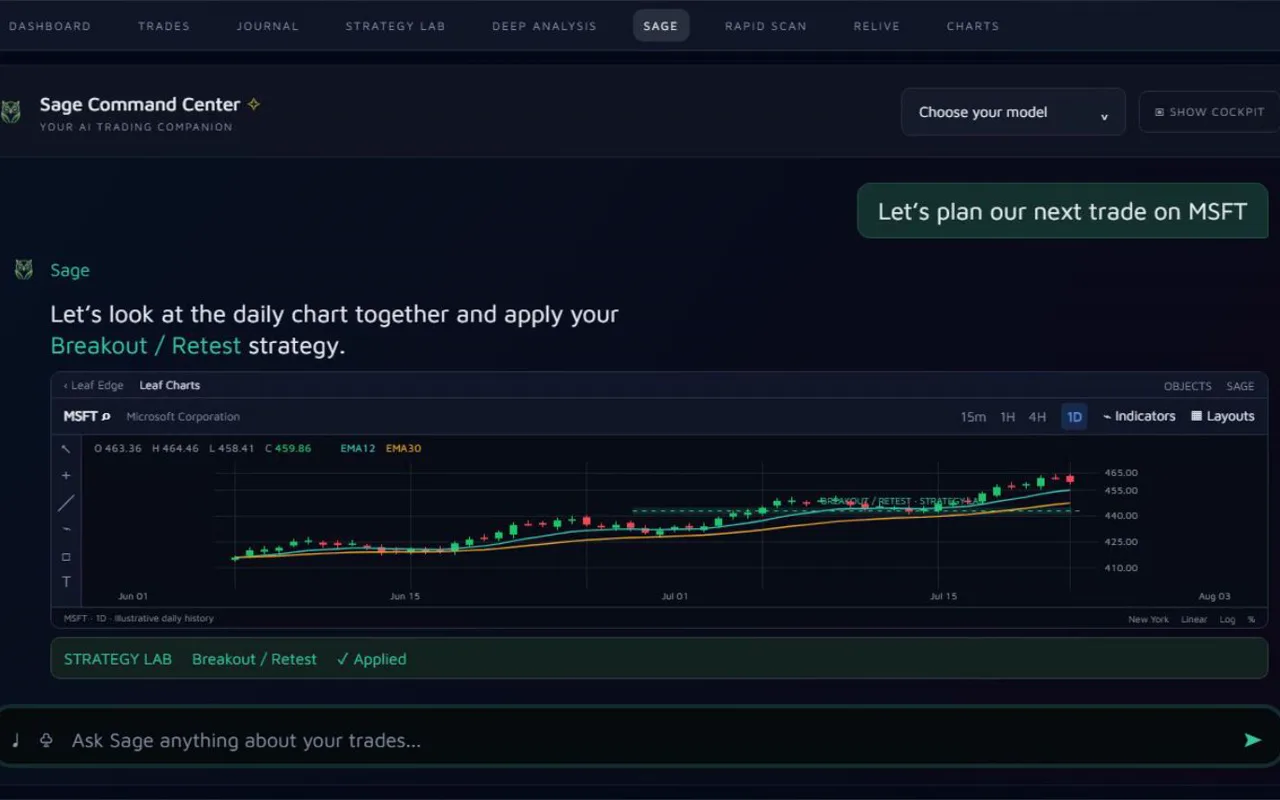
Bring the reasoning with it.
Keep the trade, your journal and your playbook together. Ask Sage to review a completed trade against the context you recorded.
Start with file import. Broker connections are on Pro and Ultimate.
03 / Practice
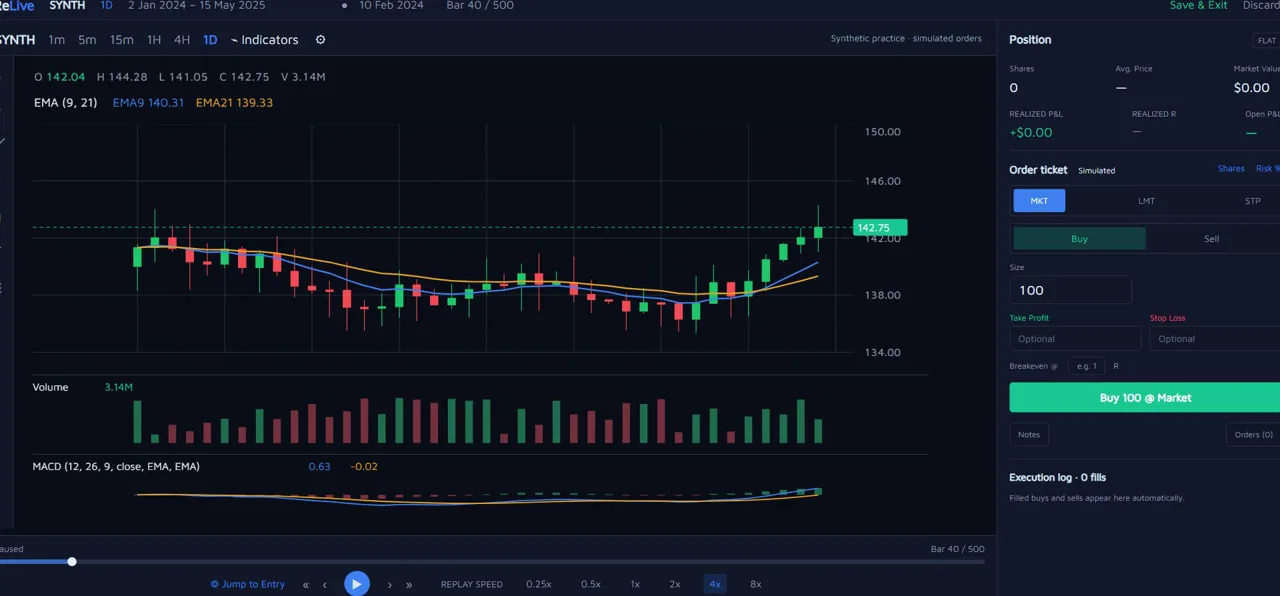
Make the decision again.
Step through a finished market session with ReLive's simulated ticket. Keep your setup rules in Strategy Lab, ready for the next review.
ReLive: Pro and Ultimate. US equities and ETFs, 28 March 2023 to yesterday's close.
Good to know
Product questions
The details behind the tools, your data and getting started.
Visit the help guideWhat should active traders look for in a trading journal app?
How does Sage support trading behavior review?
Does Leaf Edge offer automated trade review capabilities?
Make it your workspace
Start with your
own trades.
Import a statement. Open a trade. Bring the chart, your notes and your playbook into the same review.
Free plan · No card needed · CSV import on every plan